
Install
One Helm command. The chart pulls straight from the registry — there is no repository to add.
Before you start
- Kubernetes 1.27+.
- Permission to create a
ValidatingWebhookConfiguration— cluster-scoped, so cluster-admin on the first install. - A namespace of its own. The chart creates one.
- Roughly 20 GiB for the bundled PostgreSQL, or the DSN of one you already run.
Verify before you install
Every release is signed on its digest. The keyed check needs nothing beyond your registry and our public key, published at docs.attestkeep.com/cosign.pub; see Releases for the keyless check and what each one proves.
curl -sO https://docs.attestkeep.com/cosign.pub
cosign verify --key cosign.pub ghcr.io/attestkeep/attestkeep-k8s:1.3.2
Install
# installs from the registry; no `helm repo add` needed
helm install attestkeep oci://ghcr.io/attestkeep/charts/attestkeep \
  --namespace attestkeep --create-namespace \
  --set clusterName=production-eu \
  --wait
clusterName is the one value worth setting on the first install, even for a trial. It is the label every notification and every evidence document uses to say which installation it came from, and it cannot be inferred from the cluster. Nothing topological leaves the cluster, so this is a name you choose, not a hostname.
Confirm it is running
kubectl -n attestkeep get pods
kubectl -n attestkeep port-forward svc/attestkeep 8080:8080
Then open http://localhost:8080 and follow the first-run sequence below.
First run
The console walks a new installation through three screens, once. After that it is a normal sign-in.
- Enter your licence key. Every installation is licensed, the free Community edition included — paste the key from your Attestkeep account. Activation happens once and binds the key to this cluster.

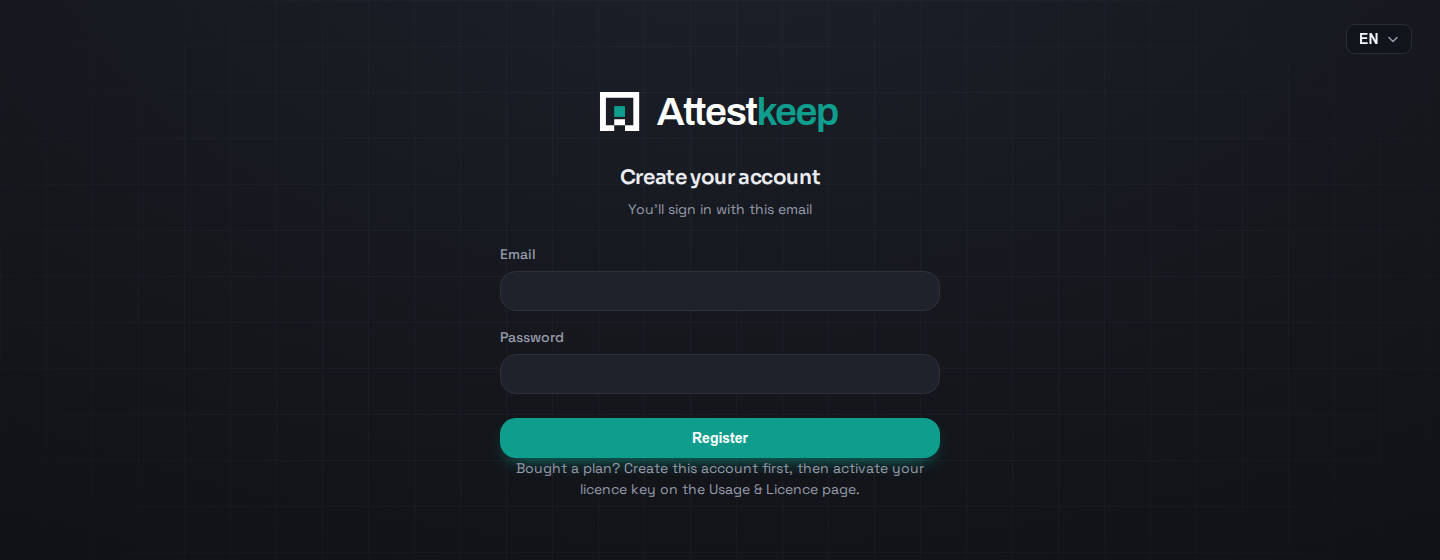
- Create the owner account. The email and password you set here are how you sign in from now on. Whoever completes this first becomes the owner; the window closes the moment the account exists.
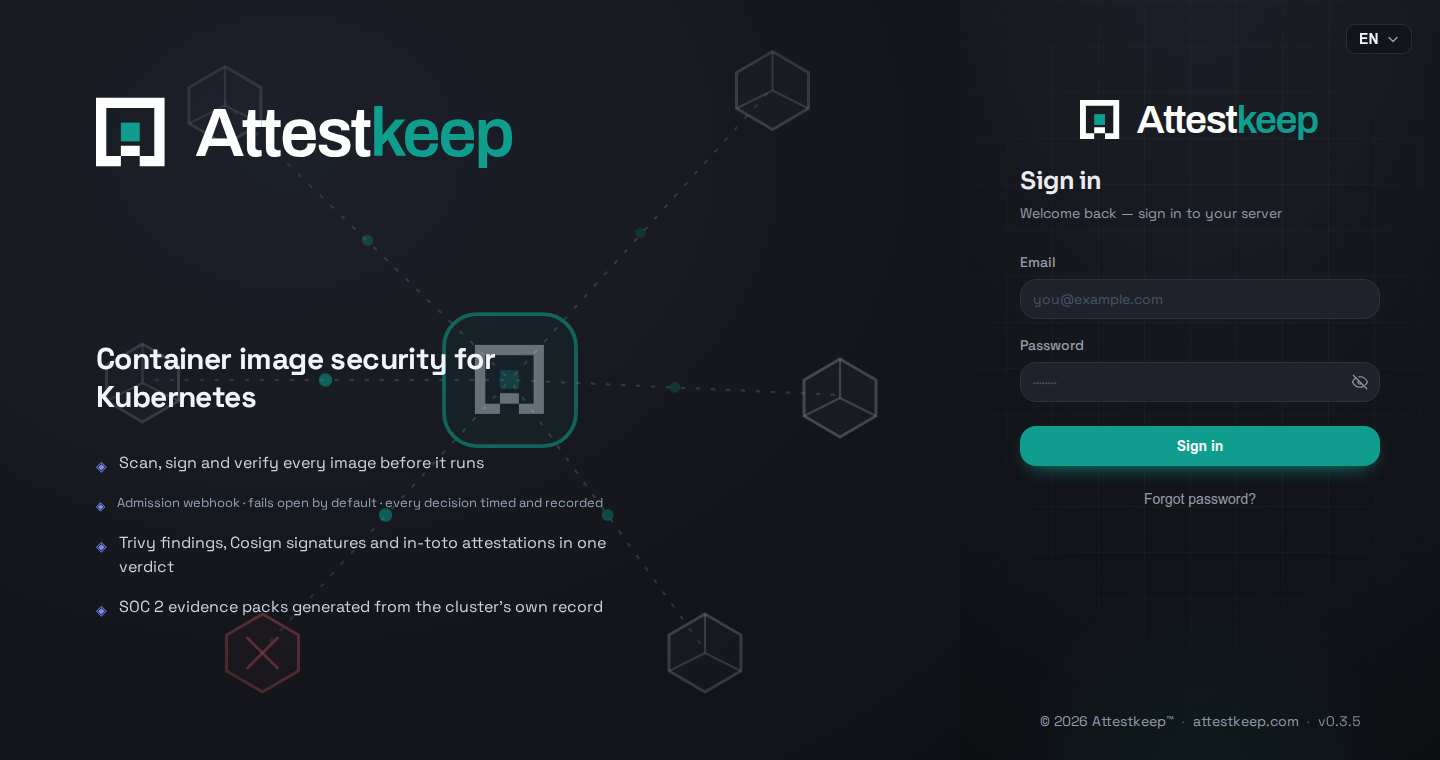
- Sign in. From here on this is the only screen you meet; authorization is always checked on the server, whatever the console shows.
You land on the security overview. What each screen does, with the same walk-through, is in Using the console.
The first images you deploy are admitted and scanned in the background; on a fresh cluster the first report takes a few minutes, and the Images page shows Unknown until it lands. If a workload must not start before its scan exists, set admissionTiming: DenyUntilScanned in the policy — see Policies.
The database builds itself
Migrations are compiled into the binary and applied on first connection, each recorded so it runs exactly once. There is no SQL for you to run and no migration step to forget on upgrade.
To use a database you already run, put the DSN in a secret rather than on the command line — an inline value lands in your Helm release history and stays there.
kubectl -n attestkeep create secret generic attestkeep-db \
  --from-literal=dsn='postgres://user:pass@db.internal:5432/attestkeep?sslmode=require'

helm upgrade attestkeep oci://ghcr.io/attestkeep/charts/attestkeep \
  --namespace attestkeep \
  --set postgresql.enabled=false \
  --set externalDsnExistingSecret.name=attestkeep-db
Private registries
Nothing to configure. The operator resolves the same image pull secrets the pod references, and those on its service account, and uses them for both the scan and the signature check.
High availability
The webhook runs two replicas by default, spread across nodes by anti-affinity: one is enough to serve, two to survive a node. The serving certificate lives in a secret rather than on each replica, so a rotation reaches every replica without a restart.
Scanner replicas and volume access mode. Raising scanner.replicas above one while the scan cache is a ReadWriteOnce volume is refused at install. The volume binds to a single node, so the second replica would never schedule — better to fail at install than to leave a pod pending and let you find out later.
Uninstall
helm uninstall attestkeep --namespace attestkeepRemoving the release removes the webhook configuration with it, so admission stops being reviewed the moment it is gone. The database volume is not deleted; findings and evidence survive an uninstall unless you remove the PVC yourself.